Pixel Party
4-man project to showcase our ability to use React, CSS, Node.js, Express, and MongoDB Atlas
Weeks 1-2
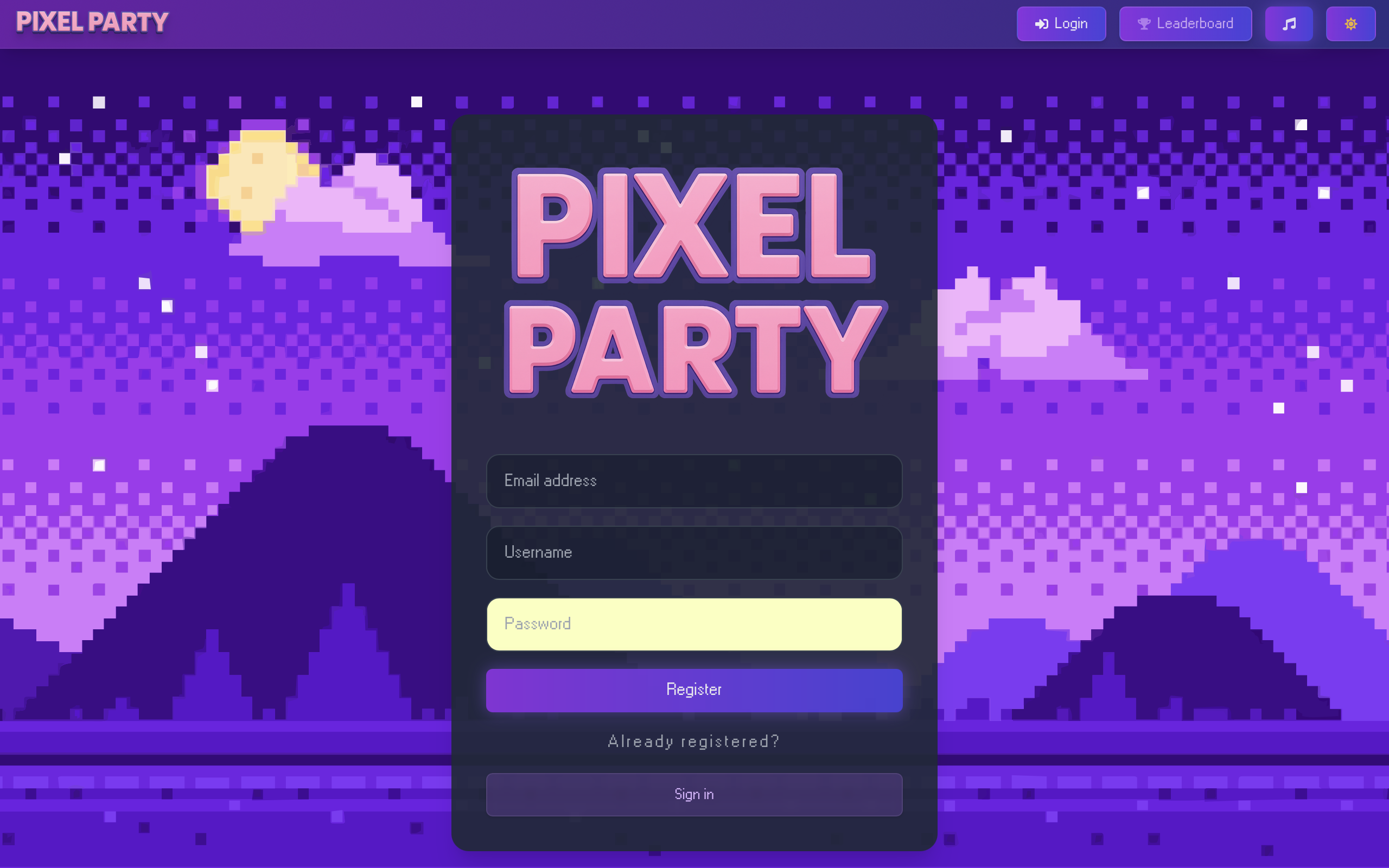
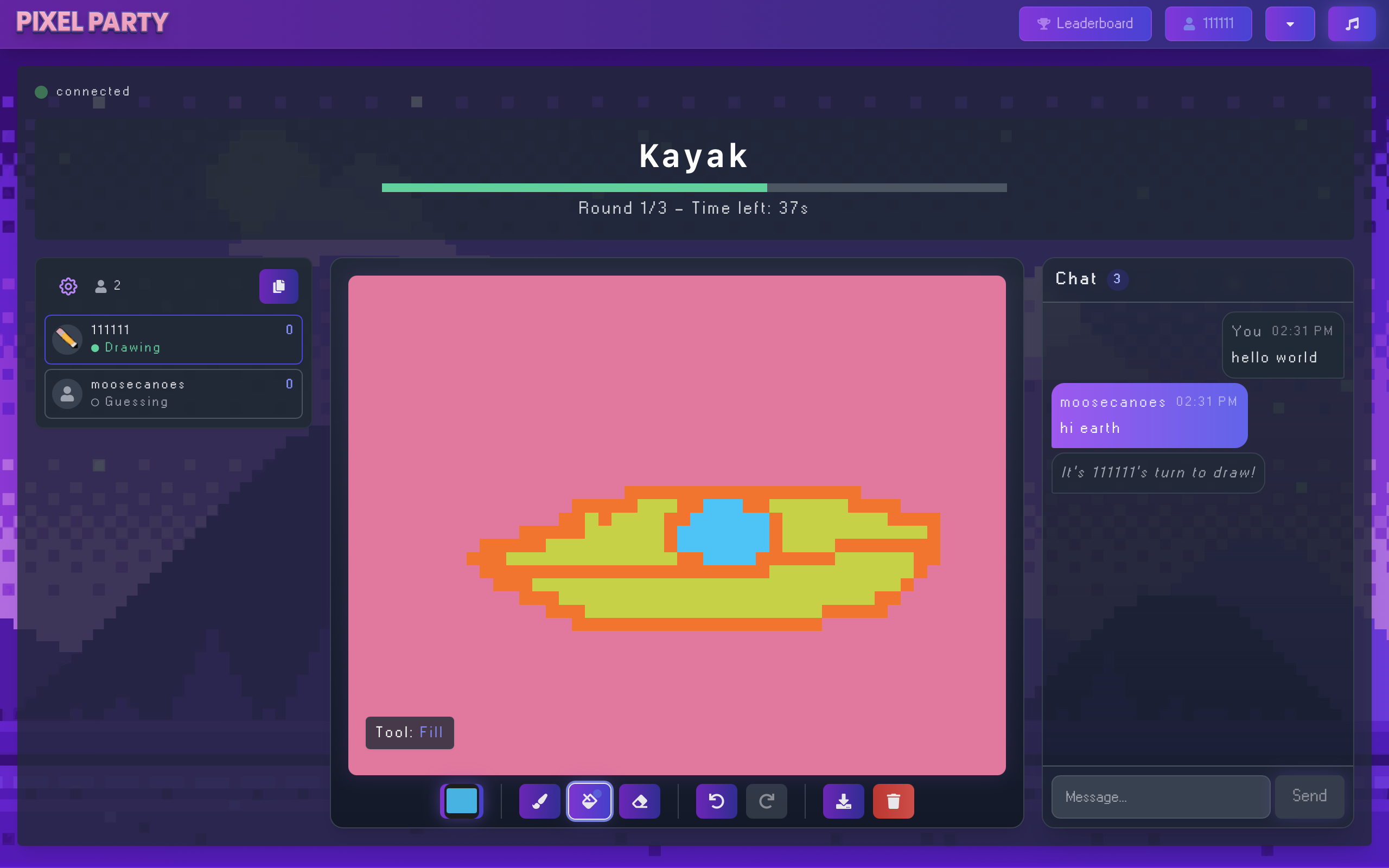
The goal was to making a functional multiplayer game where a player can draw an image on the screen, and the other members of the lobby guess the word in the chatbox. We spent sprint 1 setting up the login/register rest api calls.
Weeks 3-4
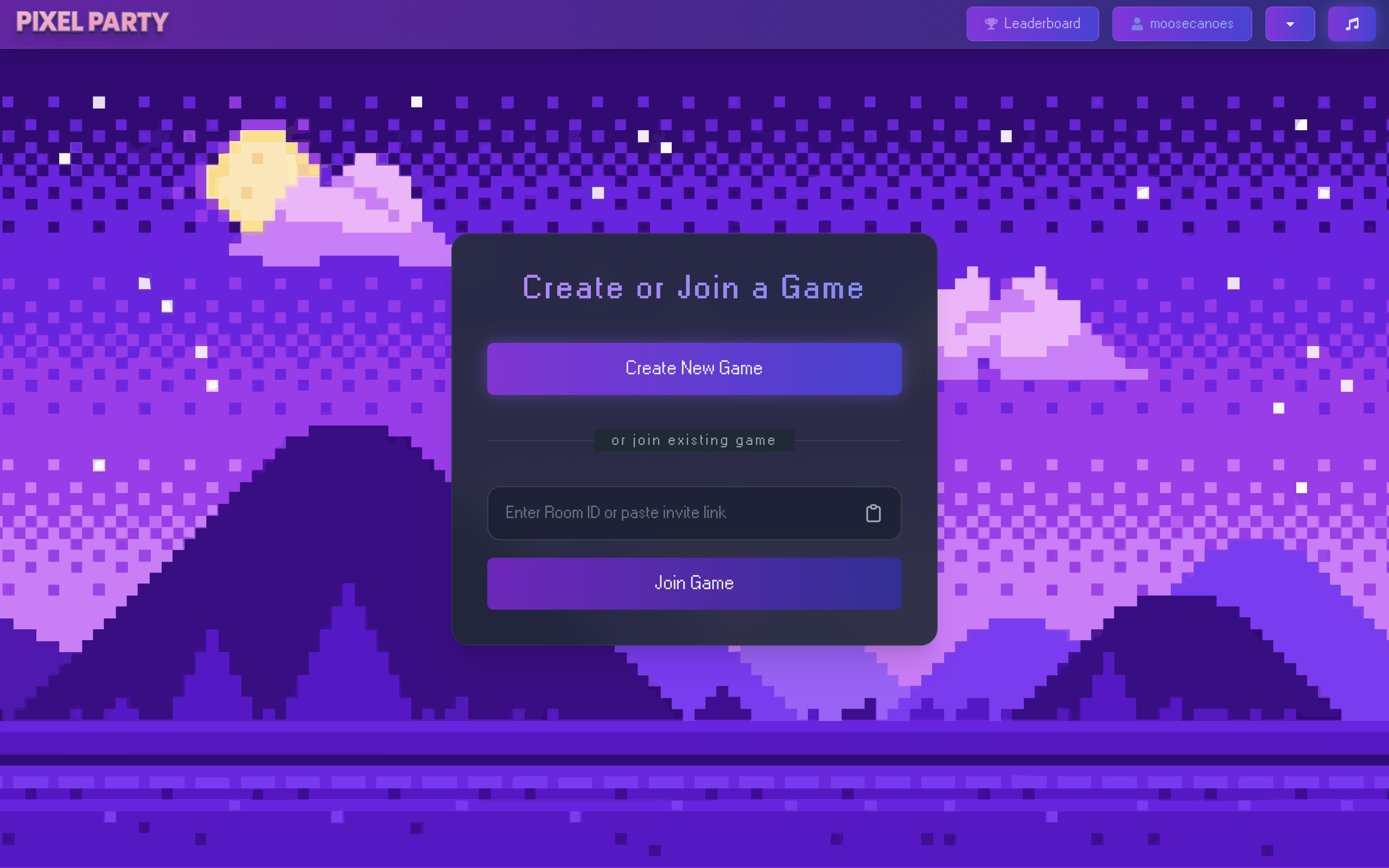
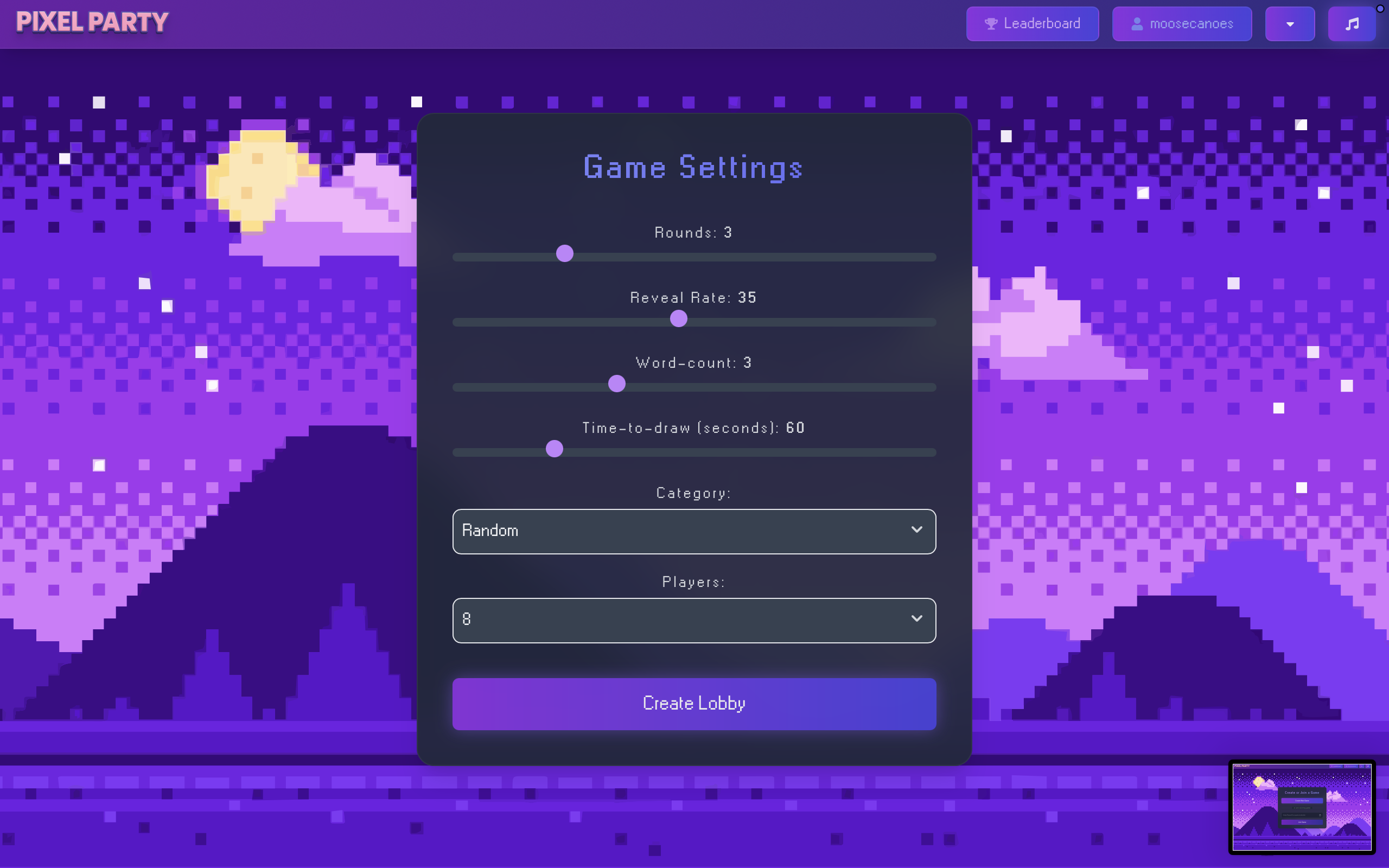
At the core of the game, we wanted some variables in the game that we could control. We started developing a logo and background theme. Our main inspiration was skribbl.io so we tried to mimic that game as much as possible.
Weeks 5-6
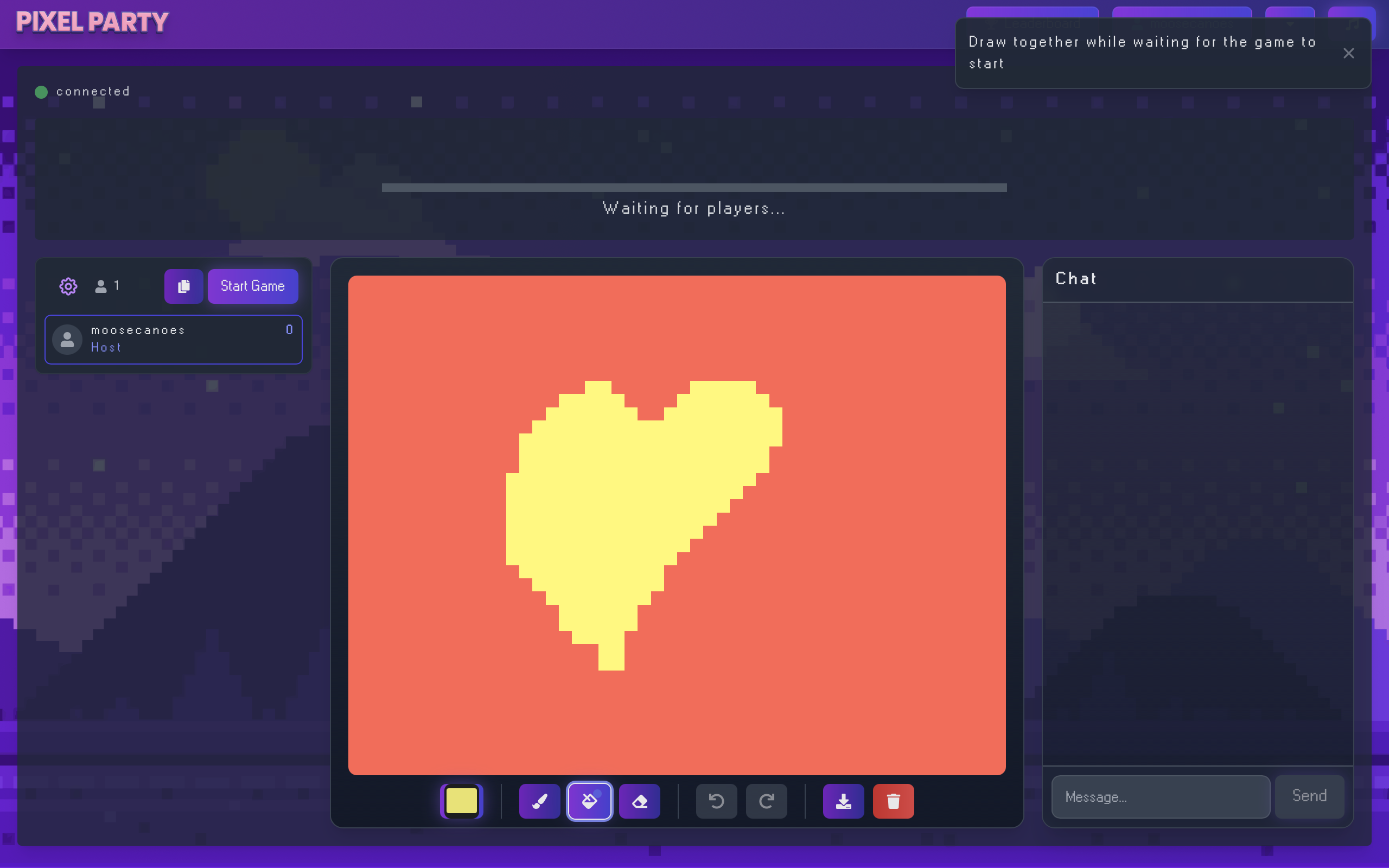
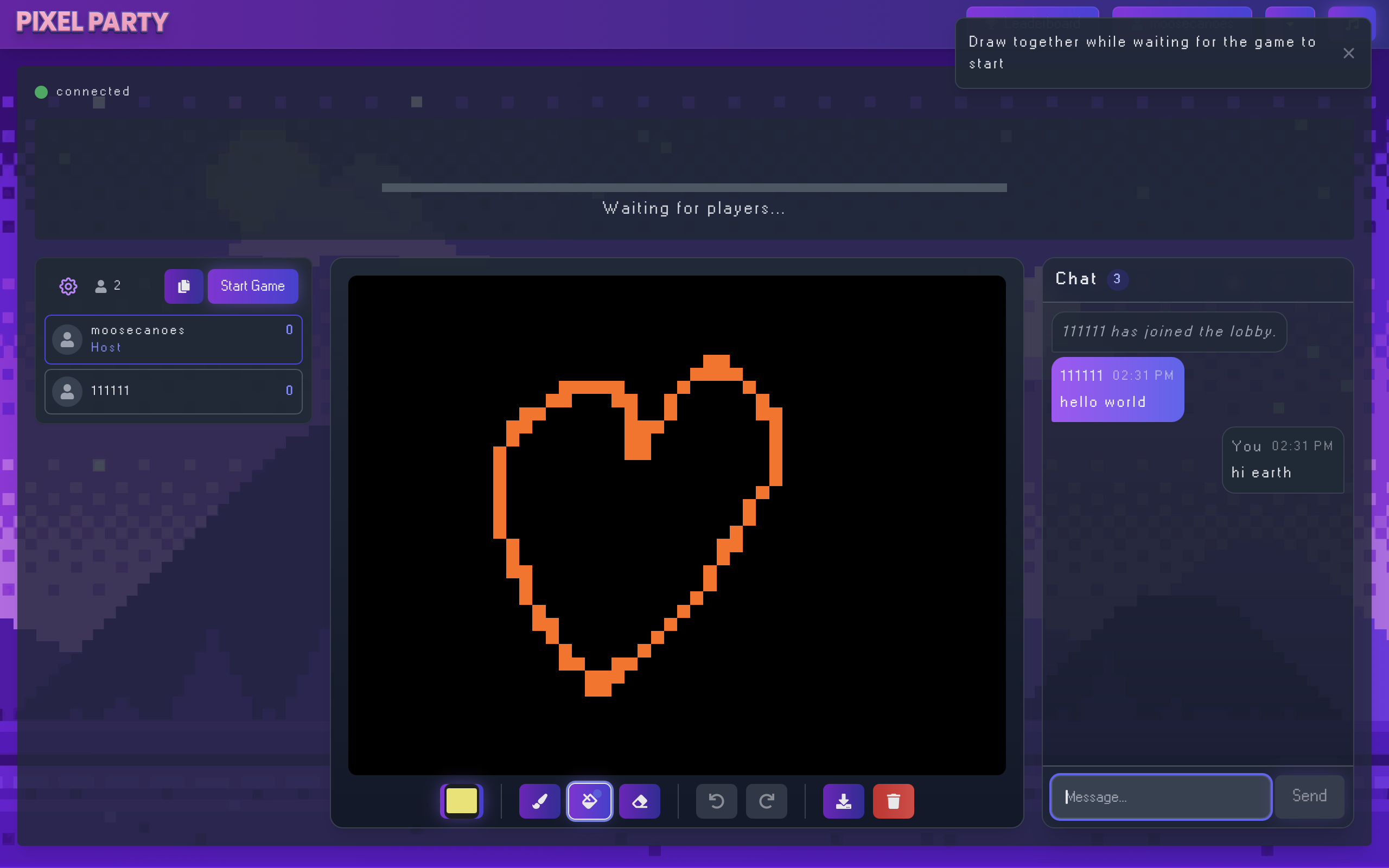
All aspects of the game including chat, drawing, and word-selection use the WebSocket package on the frontend and backend. This is essentially two singletons playing ping pong, both waiting for keywords to callback functions for the server/client to process. This happends in realtime, sending out a mass-message to all players in the lobby.
Week 5-6
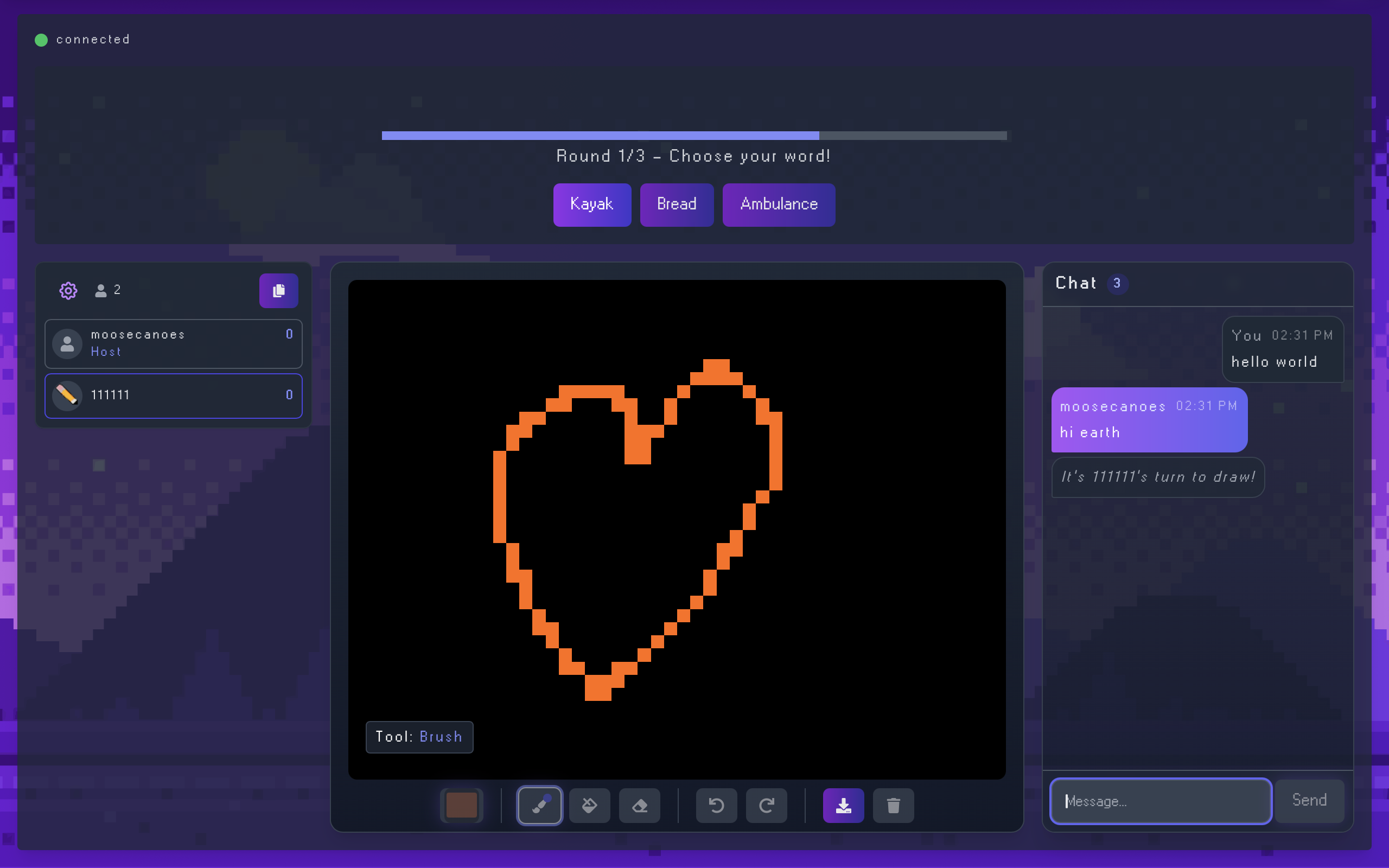
Once the game starts, the server is essentially running "on-rails" with a timer. The client selects a word, they start drawing, other players can see said drawing and guess in the chat. Obviously, the word is not shared until the end. Guessing correctly rewards the drawer and the person guesssing. If time runs out we move onto the next drawer.
Weeks 7-8
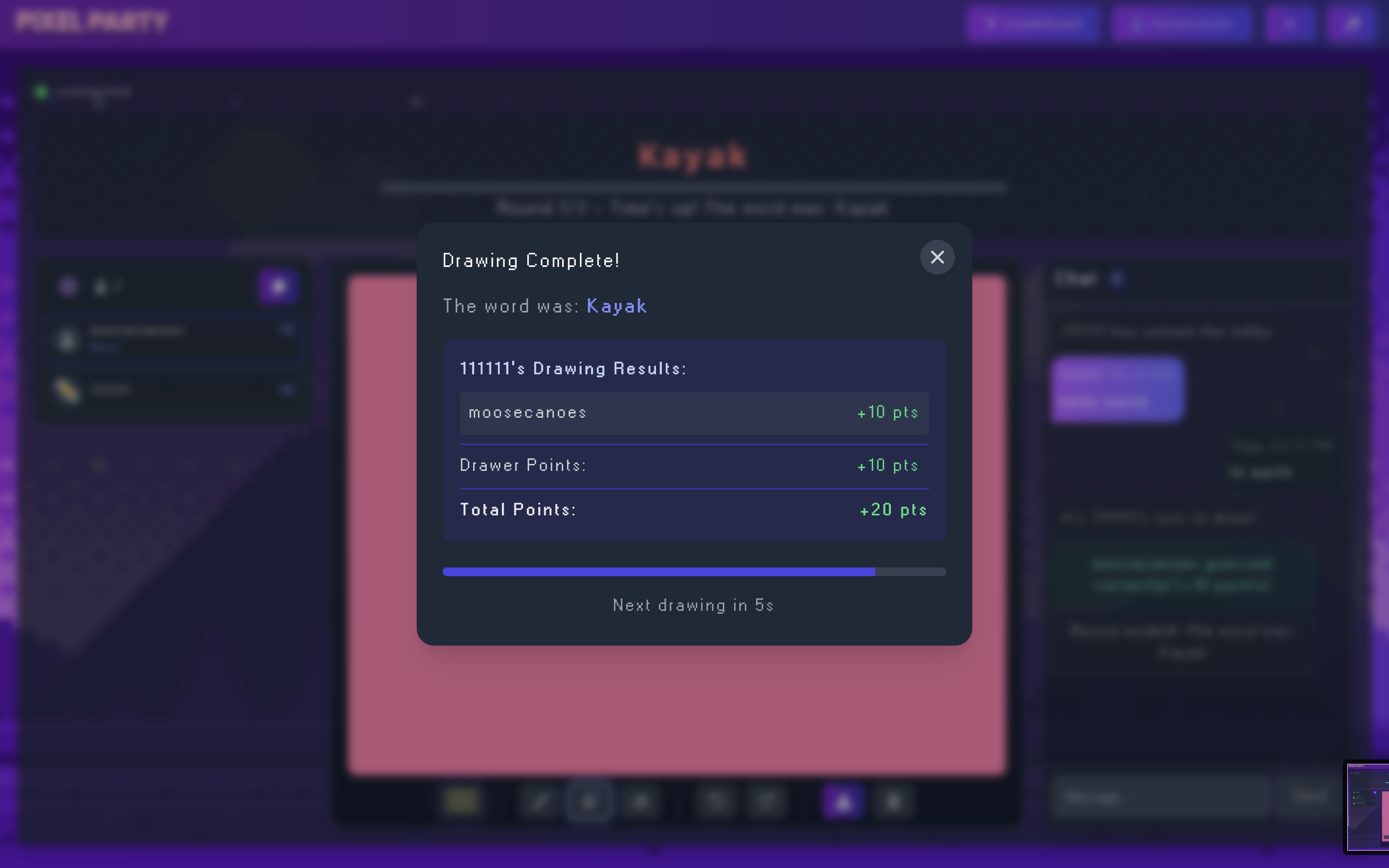
The round restarts with a new drawer. The letters above the drawing can slowly be revealed at the game-leader's chosen speed. Once everyone has drawn once, we calculate the score based on who guess right the fastest, and who drew correctly enough to guess. A winner is decided, or the second round starts.
Conclusion
Our biggest hurdles were getting the websockets to sync across devices. This included getting the drawing aspect to work, as well as running the whole show on a timer that could allow users to join the game at any time. Not only are we transmitting data in realtime we're also saving it to the database, so we have be prepared to load that at any time should someone disconnect.